Procedure
Section titled “Procedure”1. Go to the customer workflow settings
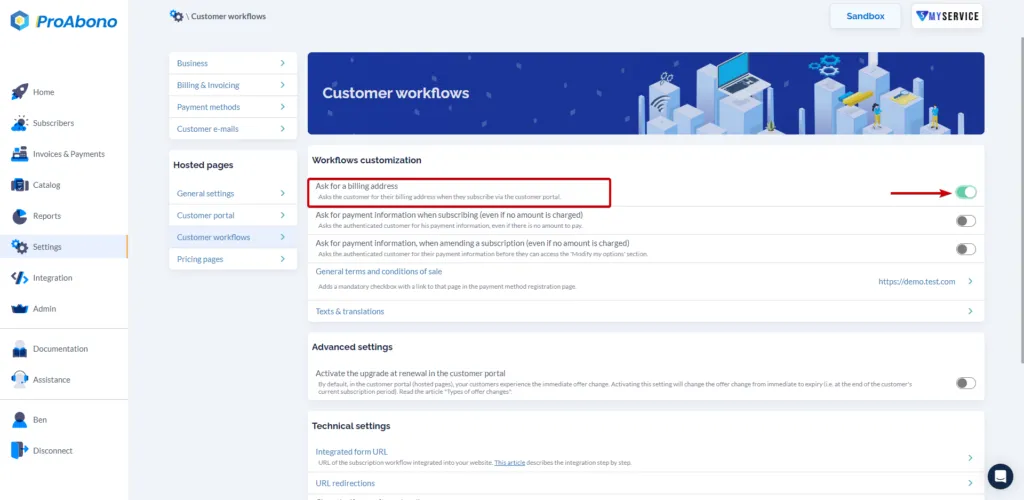
Section titled “1. Go to the customer workflow settings”- Click on “Settings” from the left menu.
- Then click on the “Customer workflows” button in the hosted pages section.
2. Choose the option
Section titled “2. Choose the option”Enable or disable the display of the billing address form using the “switch” button.